Before a single keyword was researched or a line of content written, the site needed to function. The original Saved By Nature website had structural and design problems serious enough to undermine everything built on top of it. Here’s how they were fixed — the rebuild decisions and UX improvements that formed the foundation for all subsequent SEO and conversion work.
Overview
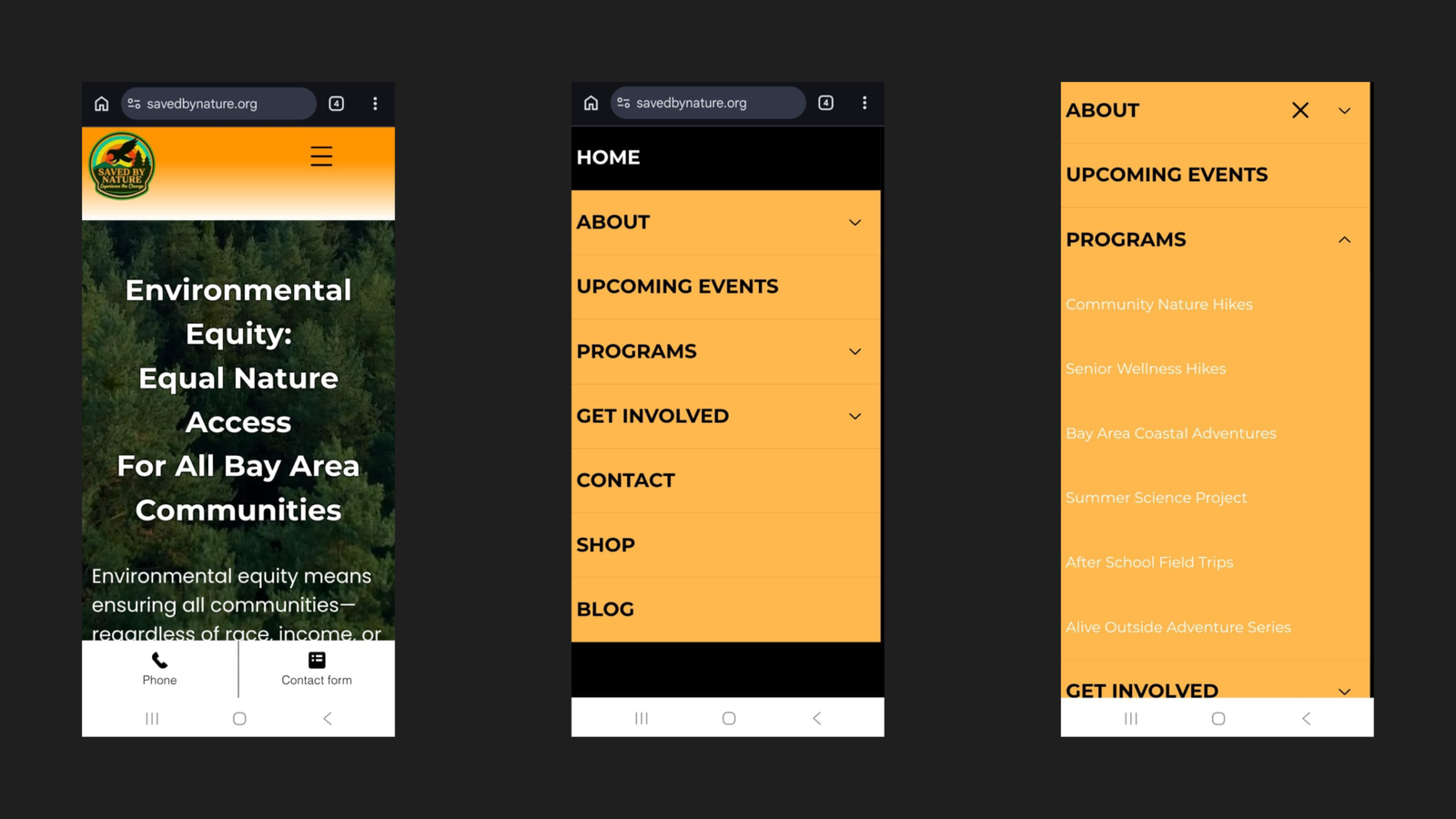
mobile Navigation
Menu rebuilt from scratch, every label fully visible.
Information Architecture
Programs reachable in 2 clicks
Mobile Responsiveness
Every page rebuilt and tested across screen sizes.
Visual Identity
A consistent colour palette applied site-wide.
Page Navigation
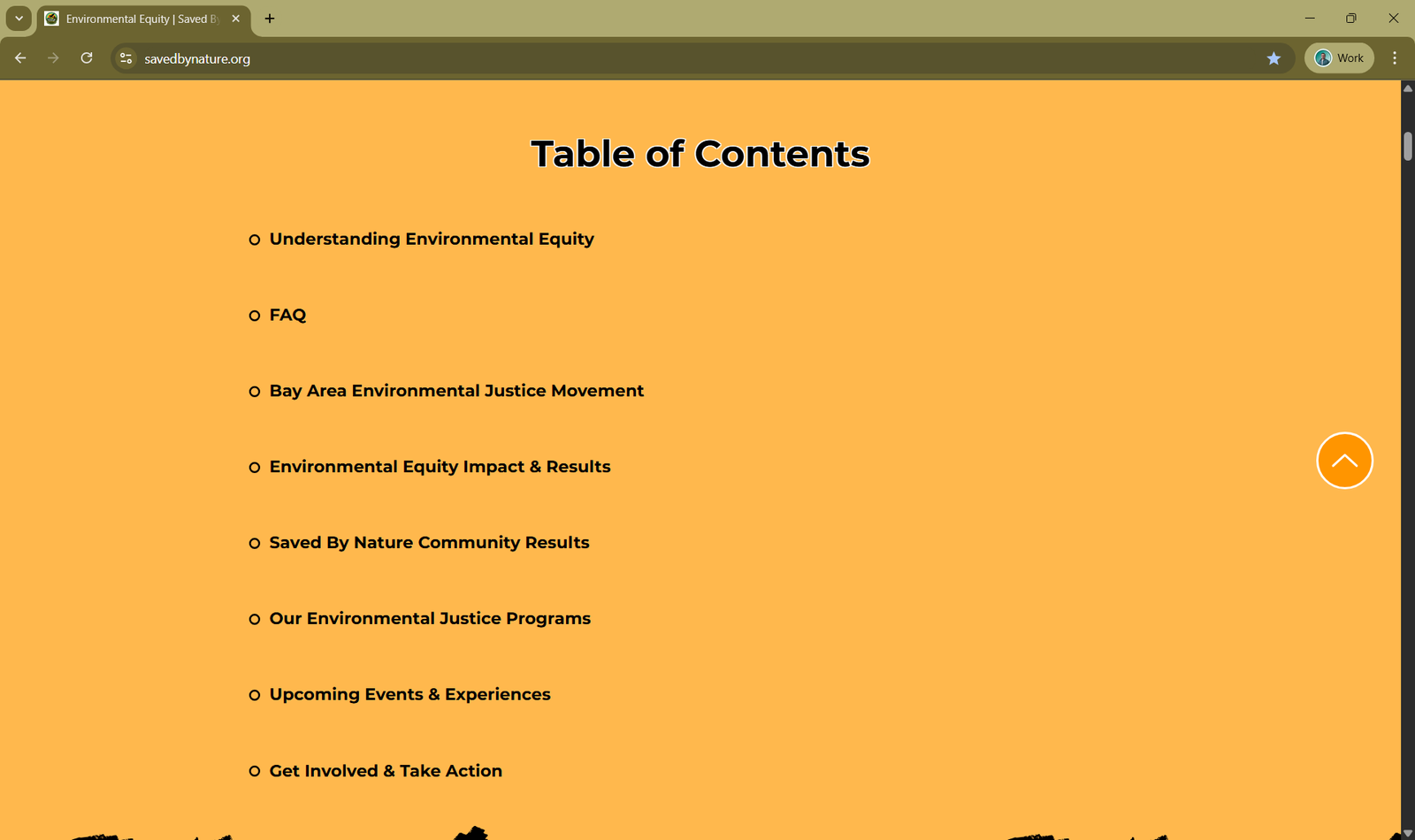
Tables of Contents and Back-to-Top added to every page.
Table of Contents
The UX audit identified problems in three areas — all of which were creating friction before a visitor ever reached a program page or enrollment form.
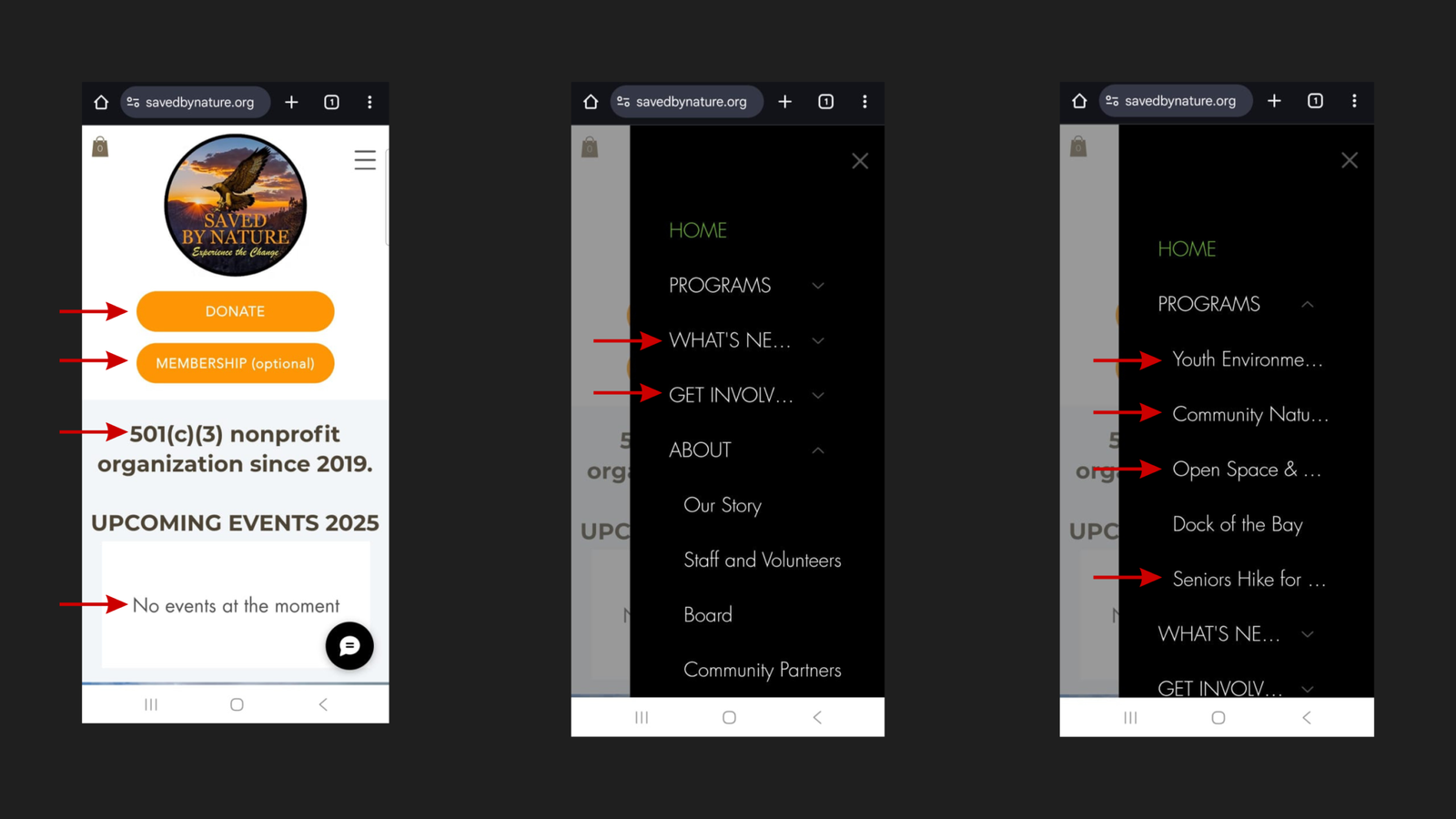
The mobile hamburger menu cut off menu item labels mid-word:
Visitors couldn’t identify key pages at a glance. They were guessing at destinations rather than navigating with confidence.
Program pages were accessible only three to four clicks deep on mobile. A parent or community member arriving on the homepage with no prior knowledge of SBN’s site structure had no logical shortcut to program information. On a site where program enrollment was the primary conversion goal, every unnecessary click was a potential exit.

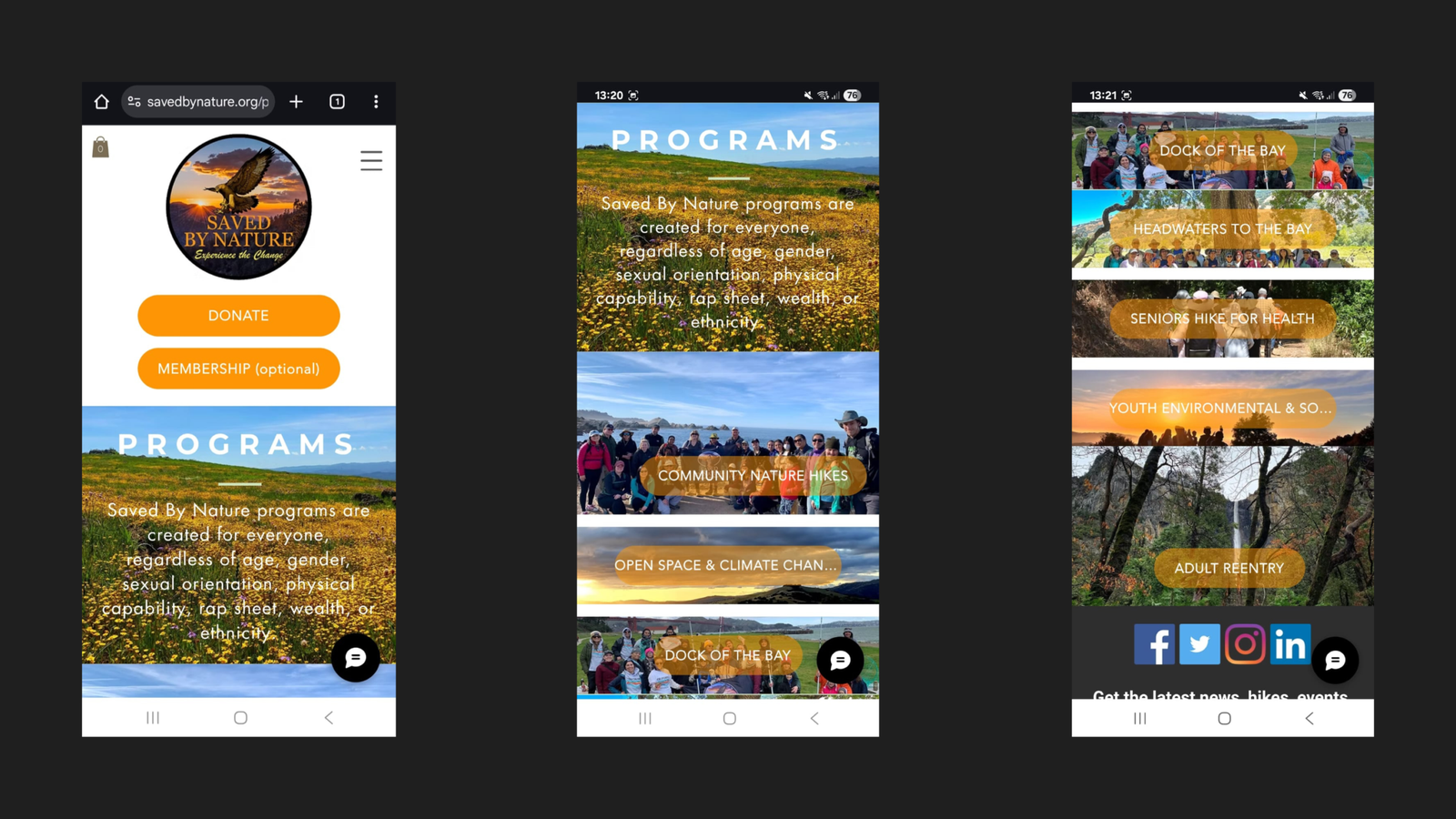
Site content had not been built or tested for mobile display:
The decision was made to rebuild the entire site from the ground up rather than patch individual issues. A surface-level fix would have left the underlying structural problems intact — and any content or SEO work built on top of a broken foundation would be undermined by it.
The rebuild was guided by four objectives:
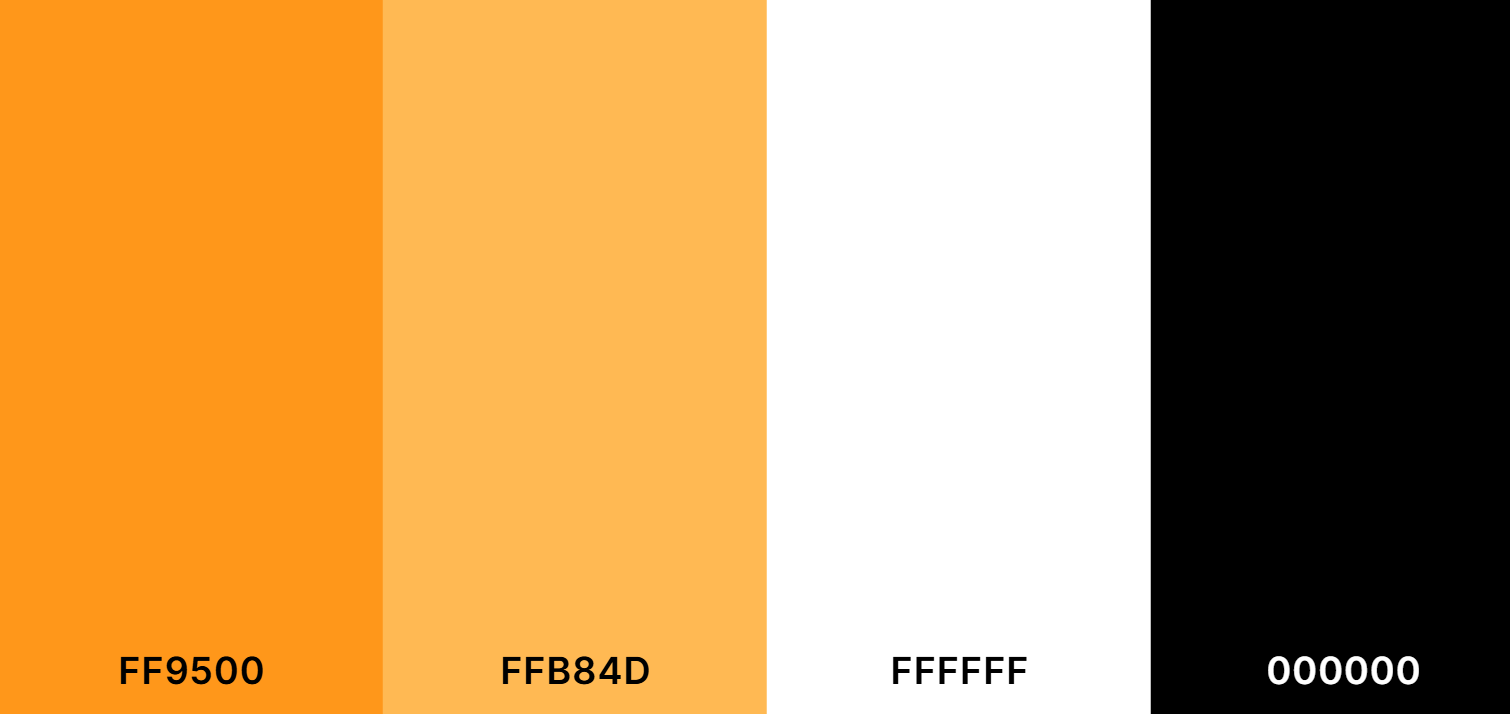
A consistent color palette was established and applied across the rebuilt website and all marketing materials — replacing the inconsistent visual presentation the original site had carried.
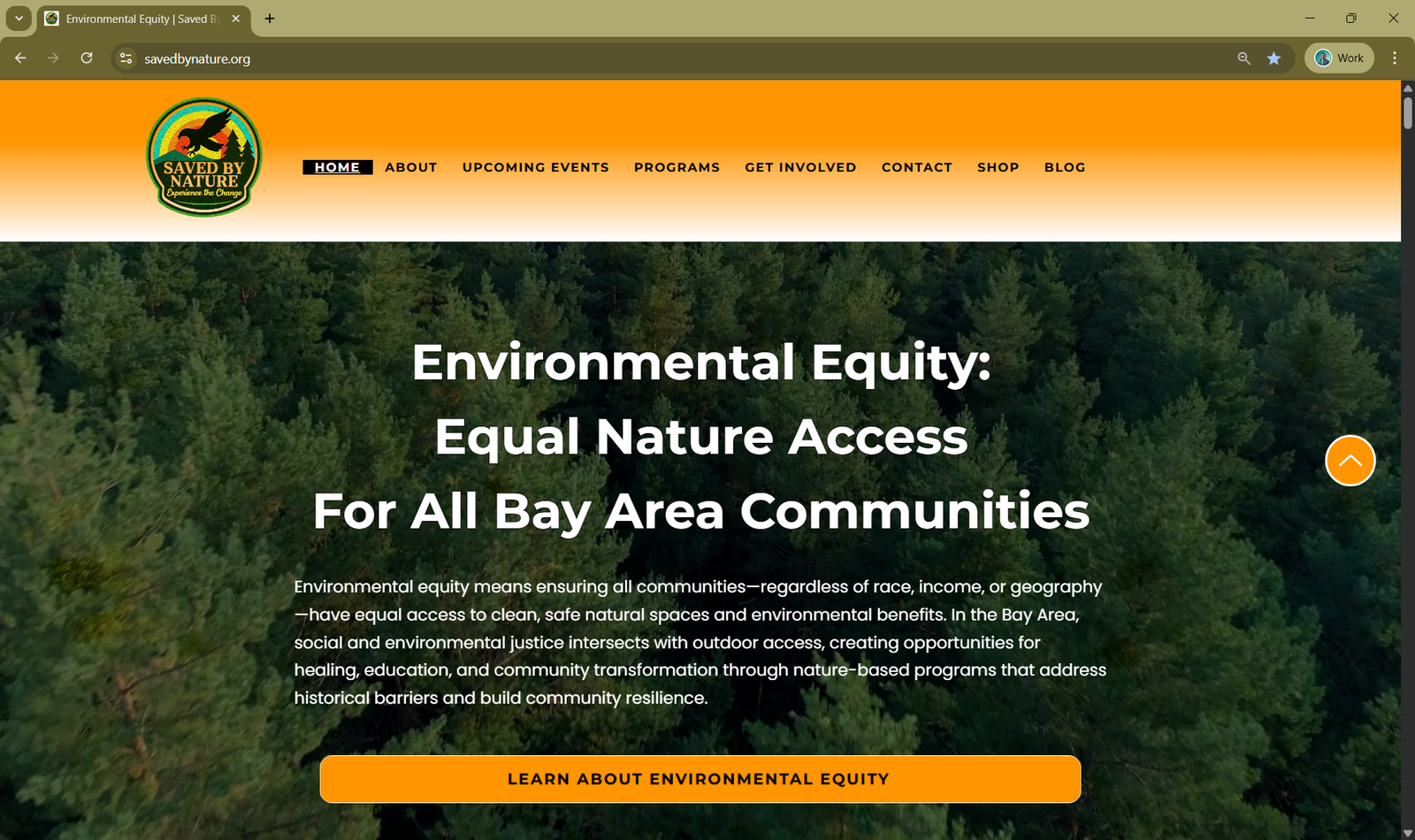
Two navigation improvements were added to every main page of the rebuilt site.
A persistent Back-to-Top button was added throughout the site. On longer pages — such as program pages, and blog posts — this eliminates the need to scroll back to the top to reach the navigation. A small detail that meaningfully reduces effort on pages where users are actively reading.
Every main page now includes a Table of Contents with anchor links to each section. This serves two purposes simultaneously:
With the audit findings documented, the mobile experience was rebuilt end to end across three areas.
| Before | After |
|---|---|
| Labels truncated mid-word | Every label fully visible |
| Programs buried in multi-step path | Programs accessible directly via PROGRAMS submenu |
| Menu structure unclear | Logical, intuitive hierarchy throughout |
The IA was restructured so that key pages — particularly program information — are accessible in significantly fewer clicks. All six programs now appear as clearly labelled submenu items directly under PROGRAMS in the mobile menu.
All pages were built and tested across screen sizes:
A site with broken navigation and non-responsive content undermines every layer of work built on top of it. No amount of keyword research, content creation, or technical SEO can compensate for visitors abandoning a page before they can read it, or bouncing off a menu that hides the exact page they came to find.
Rebuilding the site’s structure and mobile experience first meant every phase that followed — new pages, keyword-mapped content, technical SEO, local SEO — was built on a foundation that actually worked for the people using it. The brand identity established here also carries through every page built afterward, giving the rebuilt site a coherent visual language instead of a patchwork of inconsistent styles.
This is the work that made the rest of the case study possible.